
Put your own books on a Kindle.
A Kindle is not only for books from Amazon. Amazon's free Send to Kindle puts your own PDFs, EPUBs and Word files on it, and it works fine from the UAE.
Easiest: go to amazon.com/sendtokindle, sign in, drag the file in.
Best format: EPUB. The text resizes. PDF stays as fixed pages.
Limit: 200 MB per file on the web.
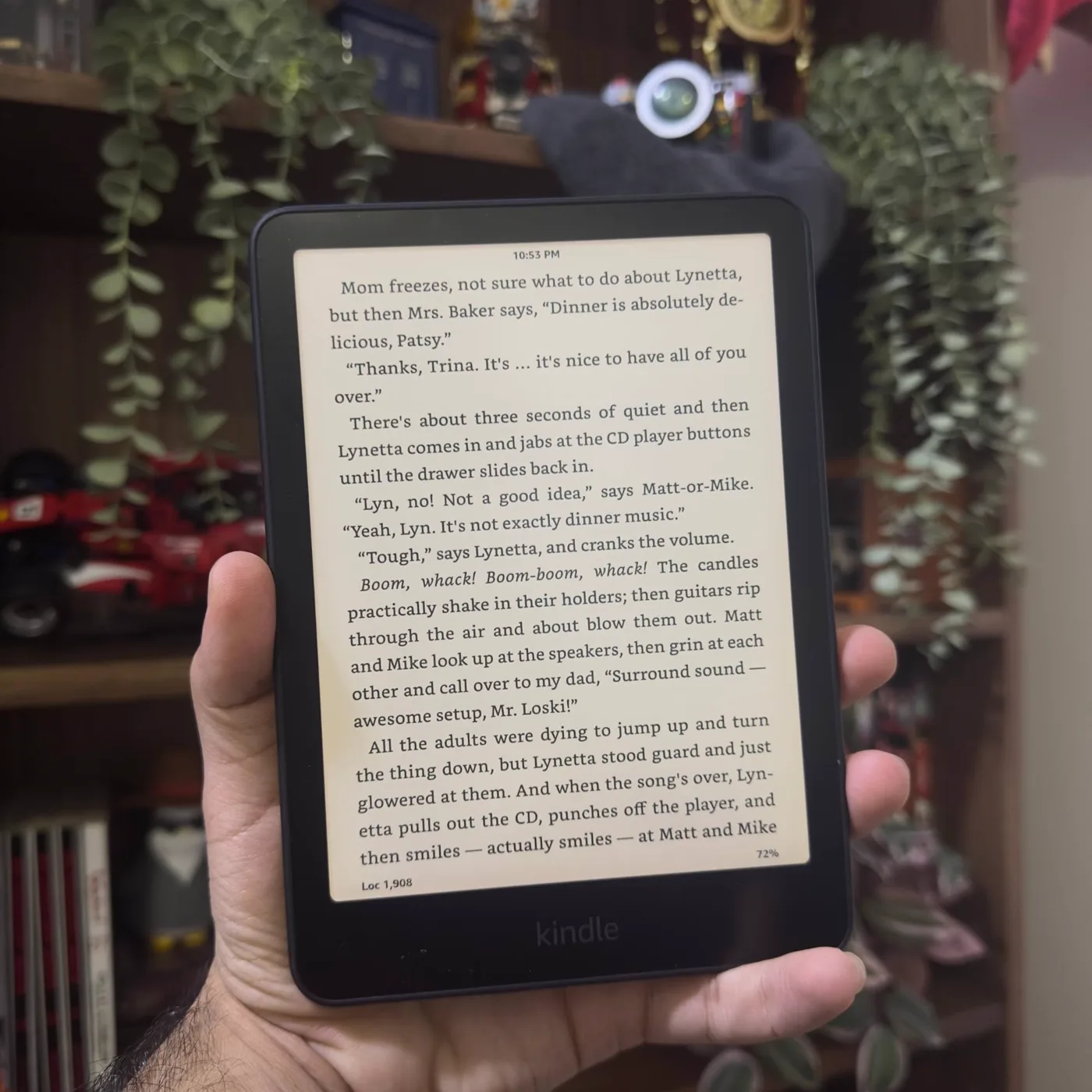
Four ways to send a file
1. From a browser
- Open amazon.com/sendtokindle on a computer.
- Sign in with the same Amazon account as your Kindle.
- Drag the file in and press Send.
- Turn on the Kindle's Wi-Fi. The file shows up in your library within a few minutes.
2. From your phone
Install the Kindle app, open the PDF or EPUB in your files, tap Share and pick Kindle. Good for a file someone just sent you on WhatsApp.
3. From the desktop app
Amazon has a Send to Kindle app for Windows and Mac. On Windows, right-click a file and choose Send to Kindle. On a Mac, drag the file onto the app.
4. By email
Every Kindle has its own Send to Kindle email address. You find it in your Amazon account under content and devices, in the preferences for personal documents, where you also have to add your own email to the approved senders list. Then attach the file and send.
Which format reads best
| Format | On a Kindle |
|---|---|
| EPUB | Best. Text reflows, font size and margins are yours to change. |
| Word (DOC, DOCX) | Good. Converted to a normal Kindle book. |
| Readable, but fixed pages. Small print stays small. | |
| TXT, RTF, HTML | Fine for plain text, no layout. |
| JPG, PNG, GIF, BMP | Shown as images, in grey on most Kindles. |
A note on Arabic files
Arabic books read well on a Kindle; I read in Arabic and English on mine. For your own files, an Arabic EPUB is the nicest to read because the text resizes. A scanned Arabic PDF is just a picture of each page, so it cannot reflow, and on a 6 inch screen it can be hard work. The 7 inch Paperwhite helps here.
Only send books you have the right to read. More on buying Arabic books from the UAE in Arabic books on a Kindle.
Questions people ask
How do I send a PDF to my Kindle?
Use Amazon's free Send to Kindle: upload it at amazon.com/sendtokindle, share it from the Kindle phone app, use the Send to Kindle desktop app, or email it to your Kindle's Send to Kindle address. It appears in your Kindle library a few minutes later.
What file types can you send to a Kindle?
Send to Kindle accepts PDF, EPUB, Word (DOC and DOCX), TXT, RTF, HTML and images such as JPG, PNG, GIF and BMP.
What is the file size limit for Send to Kindle?
Amazon lists 200 MB for Send to Kindle for Web.
Is PDF or EPUB better on a Kindle?
EPUB. The text reflows, so you can change the font size. A PDF stays as fixed pages, which can mean small print on a 6 or 7 inch screen.
Does Send to Kindle work in the UAE?
Yes. It is tied to your Amazon account, not to Amazon.ae, and your Kindle's store and documents run through Amazon.com for UAE accounts.
Keep reading
Some links on this site are affiliate links. Read the full disclosure.